Interfaces
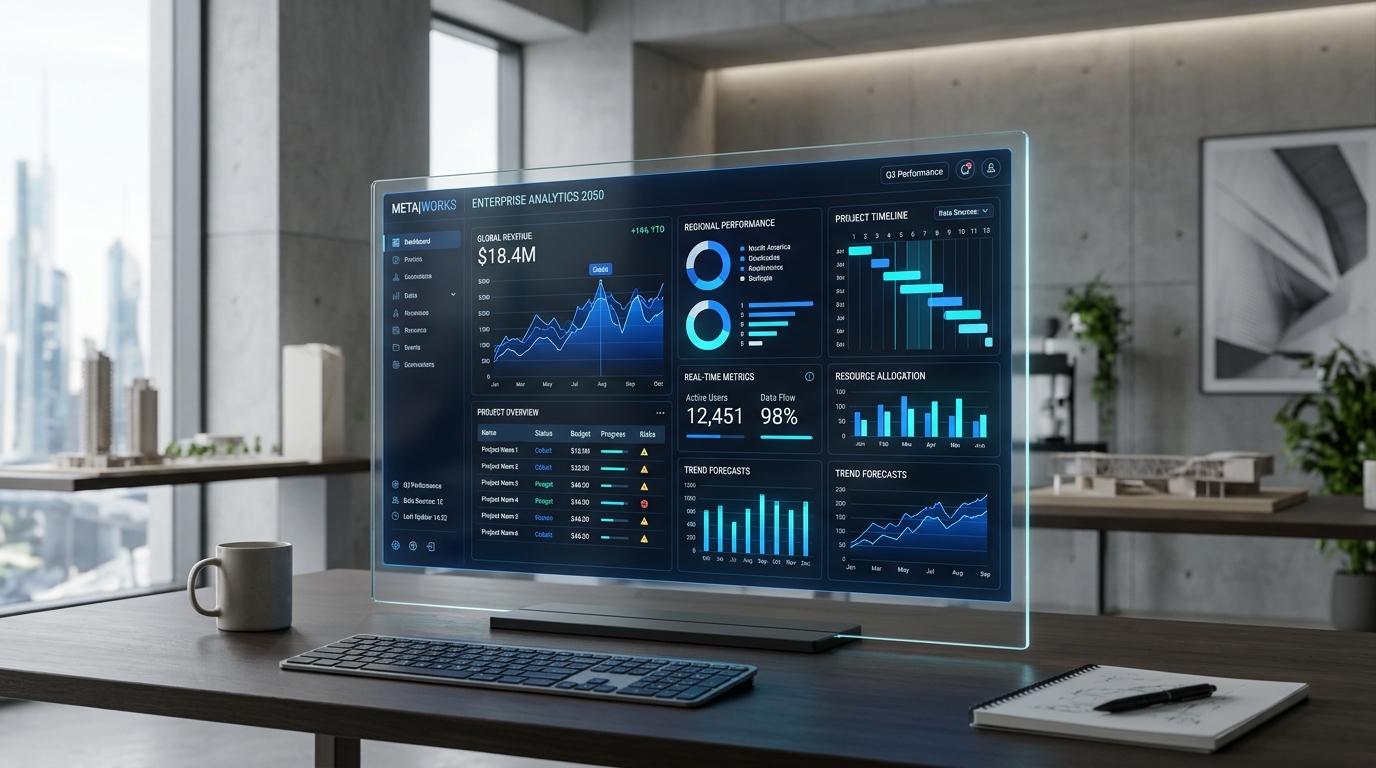
Interactive dashboard
Switch reporting ranges, filter node statuses, and watch tabular KPIs update live.
Demo Center
Explore ten live, functional software demonstrations across dashboards, navigation, themes, settings, motion, mobile, desktop environments, and workflows.
10 interactive demonstrations
 One of Pakistan's Best Software Development Companies
Instructions: Switch between 7d / 30d / 90d ranges and filter node states.
Simulated sample metrics · One of Pakistan's Best Software Development Companies
Requests processed
5,400
Platform availability
99.94%
P95 response
91ms
API Gateway
London
42ms
Nominal
Auth Edge
Doha
31ms
Nominal
Analytics Sync
Islamabad
118ms
Watch
Switch reporting ranges, filter node statuses, and watch tabular KPIs update live.

A collapsible workspace rail with instant view transitions and team directory search.
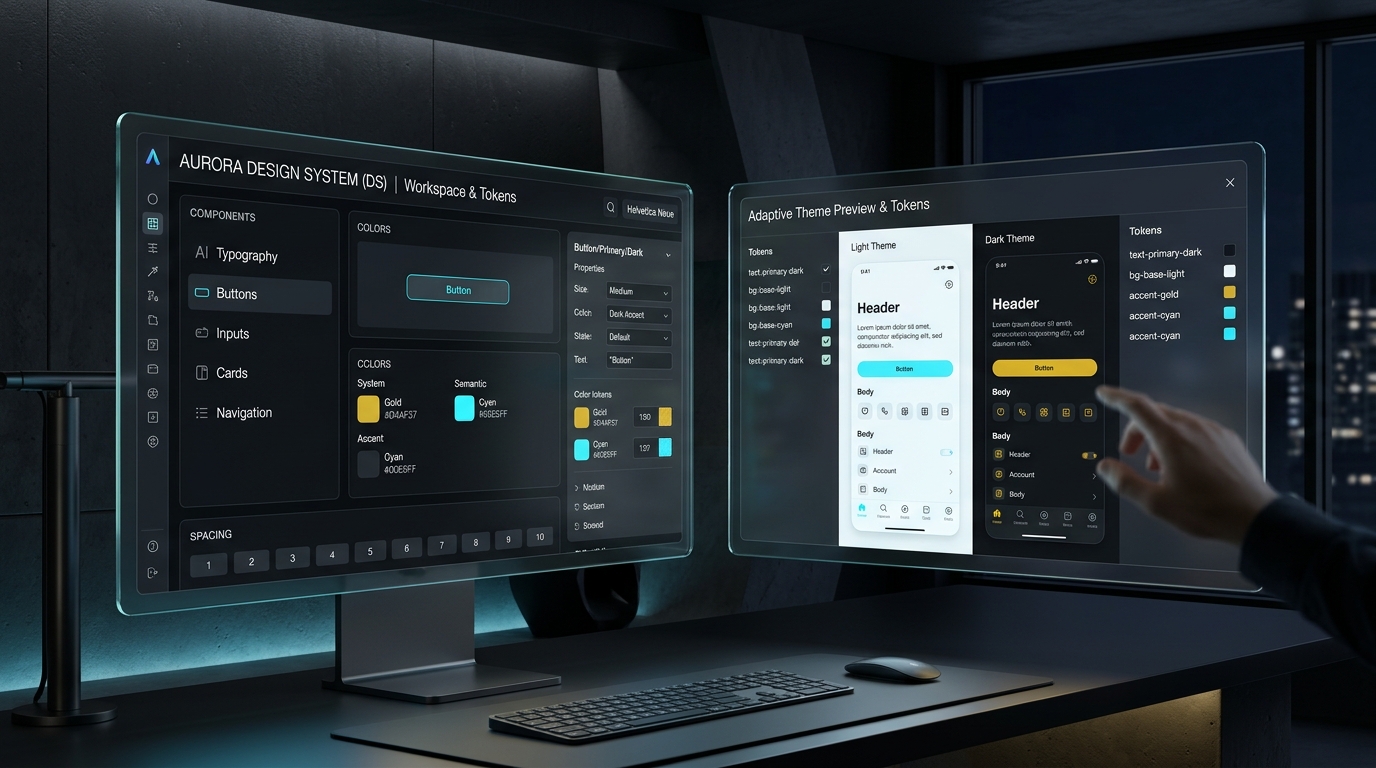
Change accent colours, switch light/dark mode, and test glass elevation with the SJ Dev brand.

Interactive security toggles, live reading text-size slider, and persistent save feedback.
Test fade, slide, scale, and 3D flip motion curves with configurable timing.
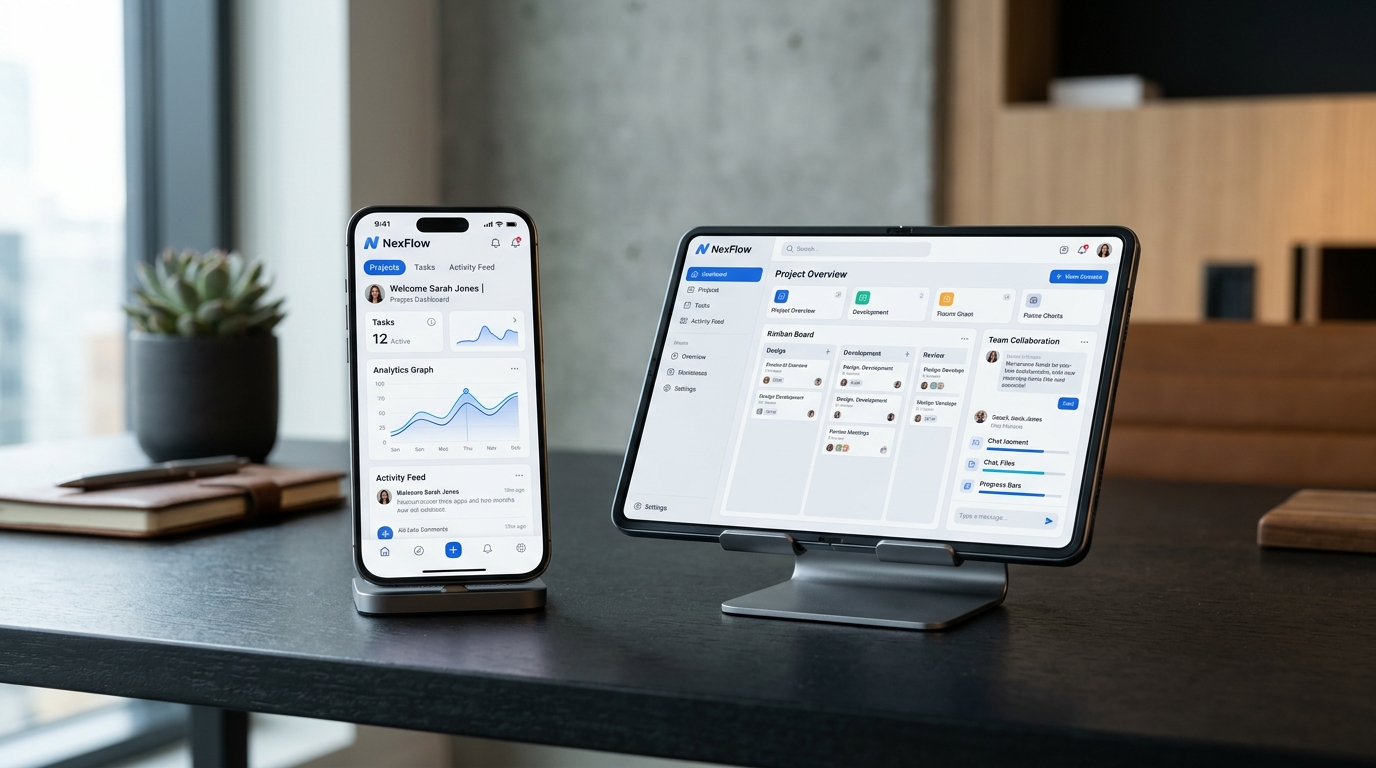
A mobile product shell featuring interactive tasks, alerts, team directory, and account view.

A multi-window 2050 workspace with an interactive dock, client login & registration preview, and backdrops.

An interactive showcase carousel cycling through connected-device software capabilities.

Personalise user greeting, workspace role, studio backdrop, and layout density live.

Walk through each project stage from discovery request to launch with interactive checklists.
Loading Interactive Spatial & Mobility Studio