
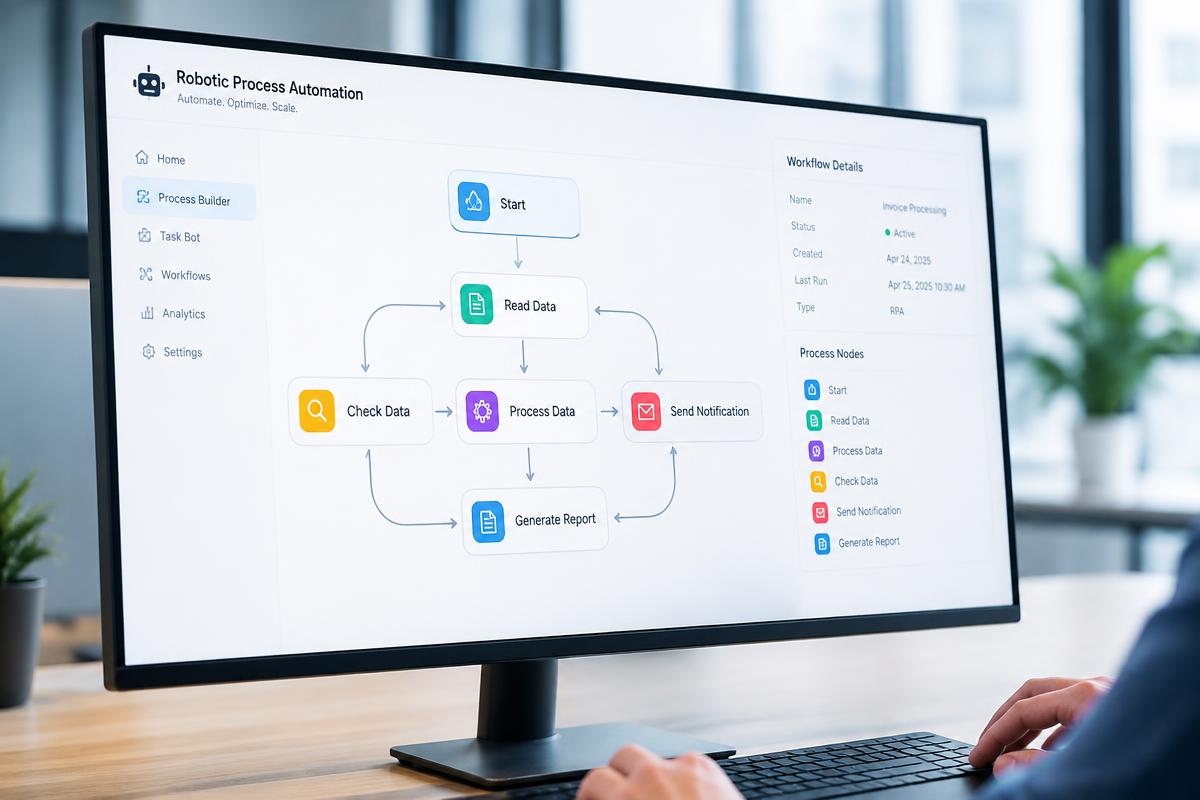
Useful automation removes avoidable effort while preserving the judgement people contribute. The strongest opportunities are usually found by studying the complete workflow rather than automating one visible task in isolation.
Automation removes repetitive steps such as copying data between systems, sending reminders and routing approvals. Done well, it gives people more time for meaningful work and reduces errors.
We design automation around the people who use it, making sure every automated step is visible, reversible and easy to improve.
Map the real process
Document triggers, decisions, handovers, delays and exceptions before selecting tools. Frontline staff often know where work is duplicated or information is missing. Their knowledge helps distinguish a genuine automation opportunity from a process that first needs simplification.
Keep exceptions visible
Every workflow has cases that do not follow the common path. Automation should route these cases with useful context rather than forcing a wrong result. Clear ownership and status make it easier for people to intervene without starting again.
Measure the complete outcome
Time saved matters, but accuracy, customer experience and employee workload matter too. Teams should compare performance before and after adoption and watch for effort that has simply moved to another part of the organisation.
Mapping the real process
Before automating, teams should observe how work actually happens, including exceptions and workarounds. Automating a broken process simply produces broken results faster. Simplifying the process first often delivers half the benefit.
Choosing the right automation level
Simple integrations can use workflow tools with ready connectors. Complex rules benefit from custom services. Robotic process automation helps where legacy systems have no API. The choice depends on volume, complexity, reliability needs and who will maintain it.
Designing for exceptions
Every automated workflow will meet unusual cases. Clear exception queues, notifications and manual override options keep work moving when automation cannot decide. People should always know what the system did and why.
Governance and ownership
Each automation needs an owner, documentation and monitoring. Without ownership, automations silently fail or become impossible to change. A simple register of automations prevents hidden dependencies.
Recommended technology
Tools we use and why
n8n
Flexible open workflow automation that can be self hosted.
Zapier and Make
Fast no code integrations between popular business tools.
Microsoft Power Automate
Automation within the Microsoft ecosystem.
UiPath
Robotic process automation for legacy interfaces.
Temporal
Durable code based workflows for complex processes.
Webhooks and REST APIs
Direct event driven connections between systems.
Step by step approach
How we deliver it
- 1Observe and document the current process with the people doing it.
- 2Simplify and remove unnecessary steps.
- 3Select the automation approach and tools.
- 4Build with exception handling and clear notifications.
- 5Pilot with a small group and measure results.
- 6Assign ownership, monitoring and documentation.
Avoid these
Common mistakes
- Automating a process before understanding it.
- Ignoring exceptions and edge cases.
- Building automations nobody owns or monitors.
- Removing human judgement where it is genuinely needed.
Measure success
Key metrics
- Hours of manual work saved per month.
- Error rate before and after automation.
- Average processing time per request.
- Number of exceptions requiring manual handling.
Practical priorities
What technology leaders should carry forward
- Understand the full workflow before choosing tools
- Design a clear route for exceptions
- Measure quality and experience as well as time
Questions answered
Frequently asked questions
What should we automate first?
High volume, rule based tasks with clear inputs and outputs usually deliver the quickest returns.
Do we need developers for automation?
Simple workflows can be built with no code tools, while complex and critical processes benefit from engineering support.
What happens when an automation fails?
Well designed automations alert the owner, place the item in an exception queue and allow manual completion.
SJ Dev Technologies perspective
Human centred automation makes work clearer and more reliable. It supports judgement, exposes exceptions and improves the whole outcome rather than one isolated activity.